
Support and Bug Reports
Send useful bug reports and feature requests with environment details, reproduction steps, expected behavior, and screenshots.
On this page
Guide
This page explains how users can report bugs, request features, and get help with NexusRBX.
Open A Support Request
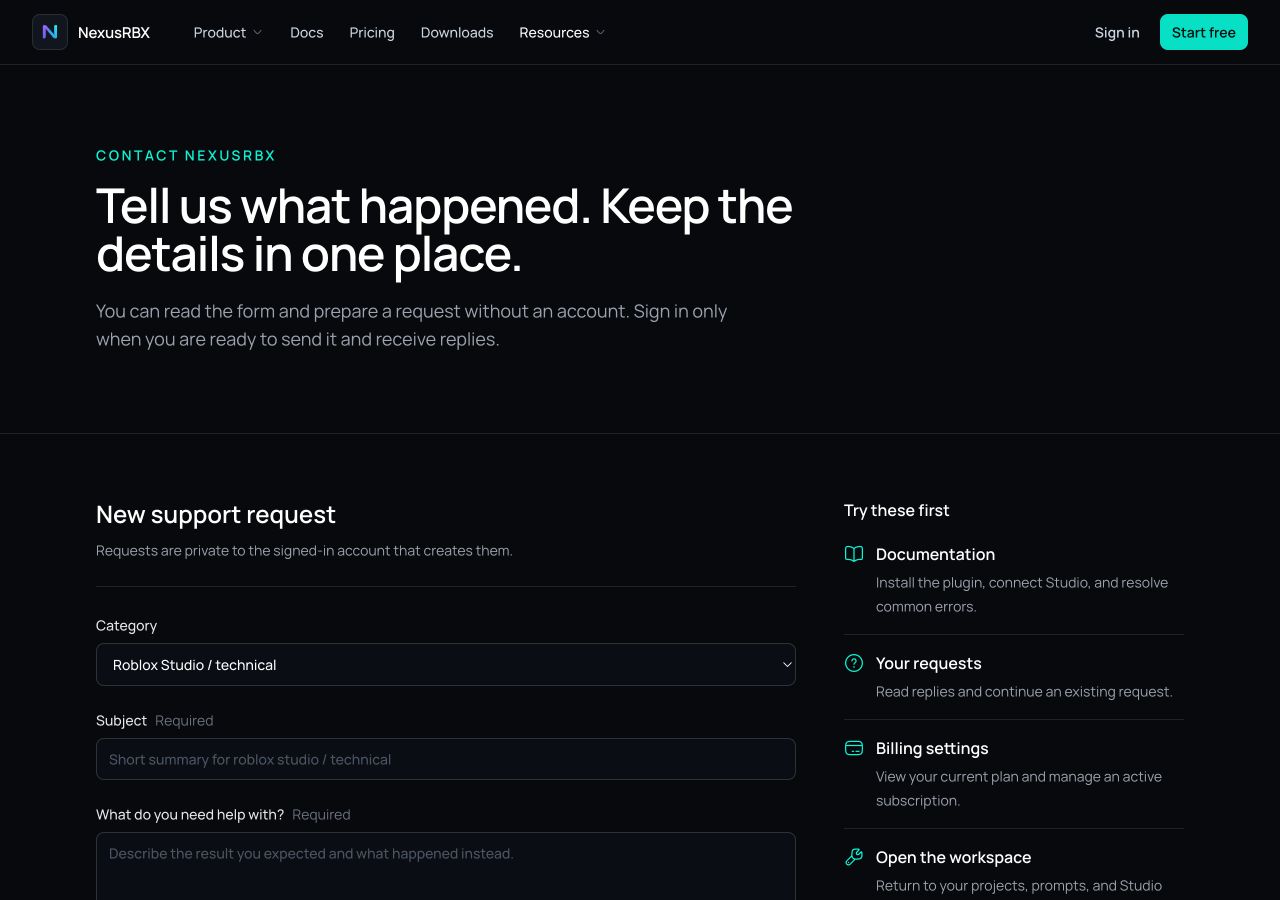
Start at /contact, choose the category that matches the issue, and add the details requested by the form. Sign in to send the request and continue the private conversation from /support.
Before Reporting A Bug
Try these steps first:
- 01
Restart Roblox Studio
Restart Roblox Studio.
- 02
Reopen NexusRBX Studio Plugin
Reopen NexusRBX Studio Plugin.
- 03
Check whether the plugin needs an update
Check whether the plugin needs an update.
- 04
Copy the exact error message
Copy the exact error message.
- 05
Test whether the problem happens in a new baseplate
Test whether the problem happens in a new baseplate.
Bug Report Template
- Roblox username:
- Plugin version:
- Roblox Studio version:
- What were you trying to do?
- What happened?
- What did you expect to happen?
- Error message:
- Screenshot or video:
- Steps to reproduce:
Example Bug Report
Roblox username: [Your username]Plugin version: [Plugin version]Roblox Studio version: [Studio version]What were you trying to do? Generate and insert a LocalScript for a shop button.What happened? The plugin showed an error after I clicked insert.What did you expect to happen? The script should be inserted into StarterGui.Error message: [Paste exact error]Screenshot or video: [Attach if available]Steps to reproduce:1. Open Studio.2. Open NexusRBX Studio Plugin.3. Ask for a shop button LocalScript.4. Click insert.Feature Request Template
- Feature name:
- What problem would this solve?
- Who would use it?
- Example workflow:
- Why is the current workflow difficult?
- Any screenshots or examples:
Reporting Generated Code Issues
If generated code does not work, include:
- The original prompt.
- The generated code.
- The script type.
- The script location.
- The Output error.
- What you expected to happen.
- What actually happened.
Spot something unclear?
Send the page title and link to support so the report reaches the right context.