
Nexus Connector
v0.3.0 out nowConnect Nexus to Roblox Studio through the local MCP bridge.
Connect Nexus to Roblox Studio through the local MCP bridge.
Build your Roblox game.Make it
Talk to your project in plain language. Plan systems, generate Luau, review changes, and move approved work into Studio.
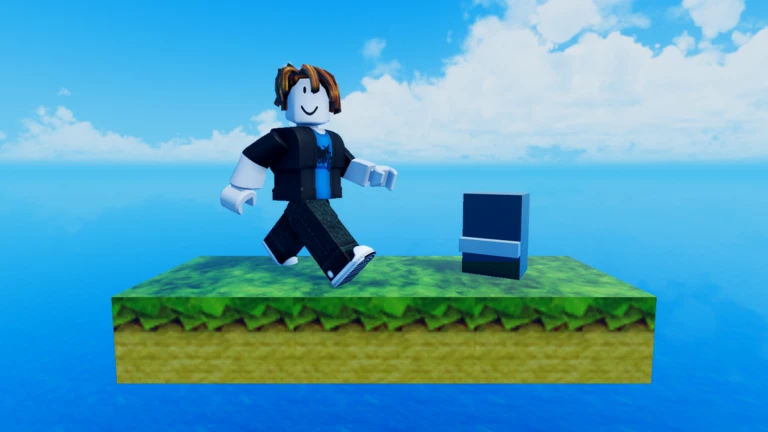
Real gameplay, custom systems, and Roblox Studio project results captured directly from live test environments.
Character mechanics, custom movement controllers, and interactive level elements in action.
Round state machines, team scoring, server validation, and active match loops.
From single script fixes to multi-file game systems, Nexus connects AI generation with live Roblox Studio workflows.
Reads your current place object tree, shared Remotes, and ModuleScripts so generated Luau is grounded in your actual game structure.
Pairs directly with Roblox Studio via a local bridge plugin. Review proposed changes before sending them straight to your place.
Produces clean ServerScript, LocalScript, and ModuleScript code formatted according to modern Roblox engine best practices.
Creates an automatic state snapshot before every change set. Revert any modification instantly with 1-click recovery.
Built-in support for touch joysticks, mobile HUD scaling, and cross-platform input handlers so your game works on every device.
Organizes generated decals, 2D icons, UI buttons, and project media in one centralized library for easy reuse.
Choose a focused generator for one job, or use the Studio agent when the change spans a larger Roblox project.
Project context, creation, Studio actions, assets, review, and recovery stay connected to the same body of work.
Reads the current place and keeps work grounded in the real object tree.
Creates focused client, server, module, and interface code with visible scope.
Moves approved work into Roblox Studio and reports structured results back.
Keeps change sets, source matches, snapshots, and restore paths together.
Organizes generated and uploaded project media in one reusable library.
Preserves the request, decisions, failures, corrections, and final evidence.
Plans
Starter for trying the loop. Pro when Nexus is in the weekly build.
Start building without the Pro jump
$2/month
Billed monthly
Low-cost entry point
Get StarterRecommended
Keep building the game you want to ship
$14.99/month
Billed monthly
6× Starter credits
Get ProUSD, plus applicable tax. There is no free AI trial; subscribe when you are ready to build.
Annual plans charge upfront and refresh included credits monthly. Included credits do not roll over.
Pro includes 1,000 Nexus Credits each month. Nexus Auto balances task requirements with your chosen cost preference. Cost also depends on the model, context and output length.
Yes. You pay annually and receive fresh included credits every month. Included credits do not roll over. Purchased credits do not expire.
Yes. Cancel in billing settings and keep paid access through the end of your paid subscription period. There is no free trial—subscribe to start building.
Team will pool 1,666.67 Nexus Credits per paid seat each month. Team checkout remains closed until invitations, seats, and pooled billing have been verified.
Yes. The Studio workflow reads the current project first, then scopes changes around what already exists.
No. Describe the outcome in plain language, inspect the generated work, and use explanations whenever you want to learn more.
Yes. Reviewable change sets and explicit Studio actions keep the work visible before it is applied.
Gameplay systems, interfaces, round logic, inventories, focused scripts, project assets, and larger multi-step builds.
Bring a new idea or connect an existing project. Nexus keeps the work visible from request to review.